Live Blogging of NBC’s Super Bowl Stream Across 25+ Devices and OTT Platforms; Detailed Tech Specs
I’ve been testing the Super Bowl LX stream on Sunday, starting with the pre-game stream at 1pm, across more than 25 devices and platforms, documenting video quality, latency, and other technical metrics. You can jump here for my latest comments during the game. (2025 Super Bowl blog post here)
During the game, I am monitoring Reddit boards for Peacock, Fire TV, YouTube TV, Roku, and others, as well as Twitter hashtags, to see what viewers are saying about their streaming quality. I’m also talking to a few ISPs in the U.S. who provide me with details on the traffic they are seeing across their networks. Jump here for a list of all the platforms and devices I am testing.
[And that’s a wrap! While it will be a few days before we have detailed viewership numbers, NBC Sports and Peacock executed what I would consider a near-perfect Super Bowl stream. And it’s important to highlight that while producing a Super Bowl is already hard work, NBC Sports did so while also producing the Winter Olympics, with 17 hours of programming straight. Kudos to the entire NBCU/Peacock team. Many will get no rest as a week from today, NBC Sports will produce the NBA All-Star Weekend onsite in Los Angeles.]
NBC Sports’ stream of Super Bowl LX requires a Peacock Premium plan and is available on the NBC Sports website and app, with authentication via pay-TV credentials. Peacock doesn’t offer free trials, so anyone who wants to stream the Super Bowl on Peacock will need to pay for an account or, in the U.S., have YouTube TV, Sling TV, DirecTV, or Hulu + Live TV. Fubo is currently in a carriage dispute with NBCU, so the game won’t be on Fubo. The game is also available via OTA and will be broadcast on Telemundo and Universo. Outside the U.S., NFL Game Pass is offered via DAZN, and users can stream the Super Bowl for just £0.99. If there is anything you want me to test during the game, please put it in the comments on this LinkedIn Post.
Tech Specs
The Peacock stream is in “upscaled” 4K HDR; it is not native 4K, and I see many news outlets reporting it is in “true 4K HDR,” implying it is being captured in 4K when it isn’t. Also, this is not the “first time” the Super Bowl has been in upscaled 4K. I understand why some people are reporting that online, since, unlike the broadcast world, where there is a standard, streamers all define 4K differently. The NBC Sports press release was very clear when it said, “This marks the first time a Super Bowl and Olympic Games will be presented in 4K HDR on the NBC broadcast network and the Peacock streaming service.” It’s the first time on NBC’s platform that BOTH events are offered in upscaled 4K HDR, not the first time an “upscaled” 4K Super Bowl stream has been offered.
NBC Sports has deployed 22 mobile units from NEP Group, 145 cameras, 130 microphones, 75 miles of cable, and a team of more than 700 employees on-site. NBC’s contribution feed is 1080p 59.94 fps PQ with 5.1. and international partners are getting the same, but in HLG. Dolby is also upscaling the audio to Dolby Atmos, but not all devices support 4K and Atmos. You can see a list of all currently supported devices here. Akamai, CloudFront, Fastly, and Netskrt are delivering the video for Peacock, and Akamai, CloudFront, and Fastly are delivering the video for DAZN outside the U.S.
Encoding:
- MPEG-DASH stream using CMAF-packaged fragmented MP4 with AES-CTR Common Encryption and multi-DRM (Widevine + PlayReady), protected by session-scoped CDN access tokens
- MPD manifest provides a 2-hour DVR window
- HD stream encoding bitrate ladder:
- 512×288 ~350 kb/s
- 768×432 ~860 kb/s
- 960×540 ~1.85 Mb/s
- 960×540 ~3.0 Mb/s
- 1280×720 ~4.8 Mb/s
- 1920×1080 ~7.8 Mb/s
- 1920×1080 ~10 Mb/s
- Audio: AAC-LC stereo 48 kHz ~128 kb/s
- Audio: E-AC3 (Dolby Digital Plus) 5.1 ~384 kb/s
- 4k stream encoding bitrate ladder:
- 640×360 ~500 kb/s
- 960×540 ~1.0 Mb/s
- 1280×720 ~2.5 Mb/s(59.94 fps)
- 1920×1080~5.8 Mb/s(59.94 fps)
- 3840×2160 ~10.0 Mb/s(59.94 fps)
- 3840×2160 ~13.0 Mb/s(59.94 fps)
- Audio: AAC-LC stereo 48 kHz ~128 kb/s
- Audio: E-AC3+JOC Dolby Atmos 5.1.4 ~640 kb/s
Latency Testing Results
For latency testing, I ran the test 10x per device and app/platform and compared the results to the OTA feed from two antennas. Note that many factors affect the latency viewers experience, so my experience may not be representative of other users. Here’s the latency I saw across devices and platforms:
- Testing across three different illegal IPTV services averaged 58 seconds behind the OTA feed
- Sling TV app on Fire TV (ethernet): 59.4 seconds average behind the OTA feed
- Hulu+ Live TV app on Fire TV (ethernet) averaged 34.2 seconds behind the OTA feed
- DIRECTV on Fire TV (ethernet) averaged 52.8 seconds behind the OTA feed
- YouTube TV on Fire TV (ethernet) averaged 28.3 seconds behind the OTA feed
- NFL+: Didn’t test
*I’ll add latency testing from YouTube TV, Hulu + Live TV, DIRECTV and NFL+ shortly.
10:37pm: NBCU says they had a rebuffer rate of 0.07% for the Peacock stream.
10:15pm: With the 2-minute warning, NBC Sports and Peacock executed what I would consider a near-perfect Super Bowl stream. My thanks to NBC Sports for help with some of the tech specs, and to others who provided details about their experience.
9:22pm: It’s the end of the third quarter, and all is still looking good with Peacock’s stream. Two ISPs tell me traffic on their network looks good, with an average bitrate of about 8.5 Mbps. It’s not record traffic for them, though, nor would we expect it to be, since the Peacock stream is not free, as it was last year on Tubi and FOX.
8:28pm: It seems that bad bunny is confusing Peacock’s English subtitling option.
8:20pm: I love that Peacock is giving viewers the option to catch up on key plays if you don’t want to watch the halftime show.
8:07pm: Added latency testing results across three different illegal IPTV services, which averaged 58 seconds behind the OTA feed. Sling TV app on Fire TV (ethernet) averaged 59.4 seconds behind the OTA feed. Hulu+ Live TV app on Fire TV (ethernet) averaged 34.2 seconds behind the OTA feed
7:35pm: Across Twitter, monitoring Peacock hashtags since kickoff, I see a dozen complaints about stream quality, but none have provided any useful details. Complaints are to be expected for any live stream, but no major issues are being reported in any large volume. The stream is looking great. I do see one user complaining about getting a message saying they need to update their app, and says that Peacock should not be rolling out app updates during the Super Bowl, which they did not do. Many complaints during live events are “user issues” rather than problems with the stream itself.
7:11pm: DAZN’s stream of Super Bowl LX, available to NFL Game Pass subscribers outside the US for just £0.99, looks good. DAZN is taking the NBC international feed in 1080p at 59.94 fps HLG with 5.1, and streaming it in 1080p HDR, not upscaled 4K. I am streaming the DAZN feed in the U.S. using their Swedish app, with their help. You can see the tech specs and full review here.
6:54pm: Peacock stream looks VERY good across Fire TV, Roku, Apple TV, and iOS devices for me. Colors are perfect, and the upscaled 4K looks great and is not washed out.
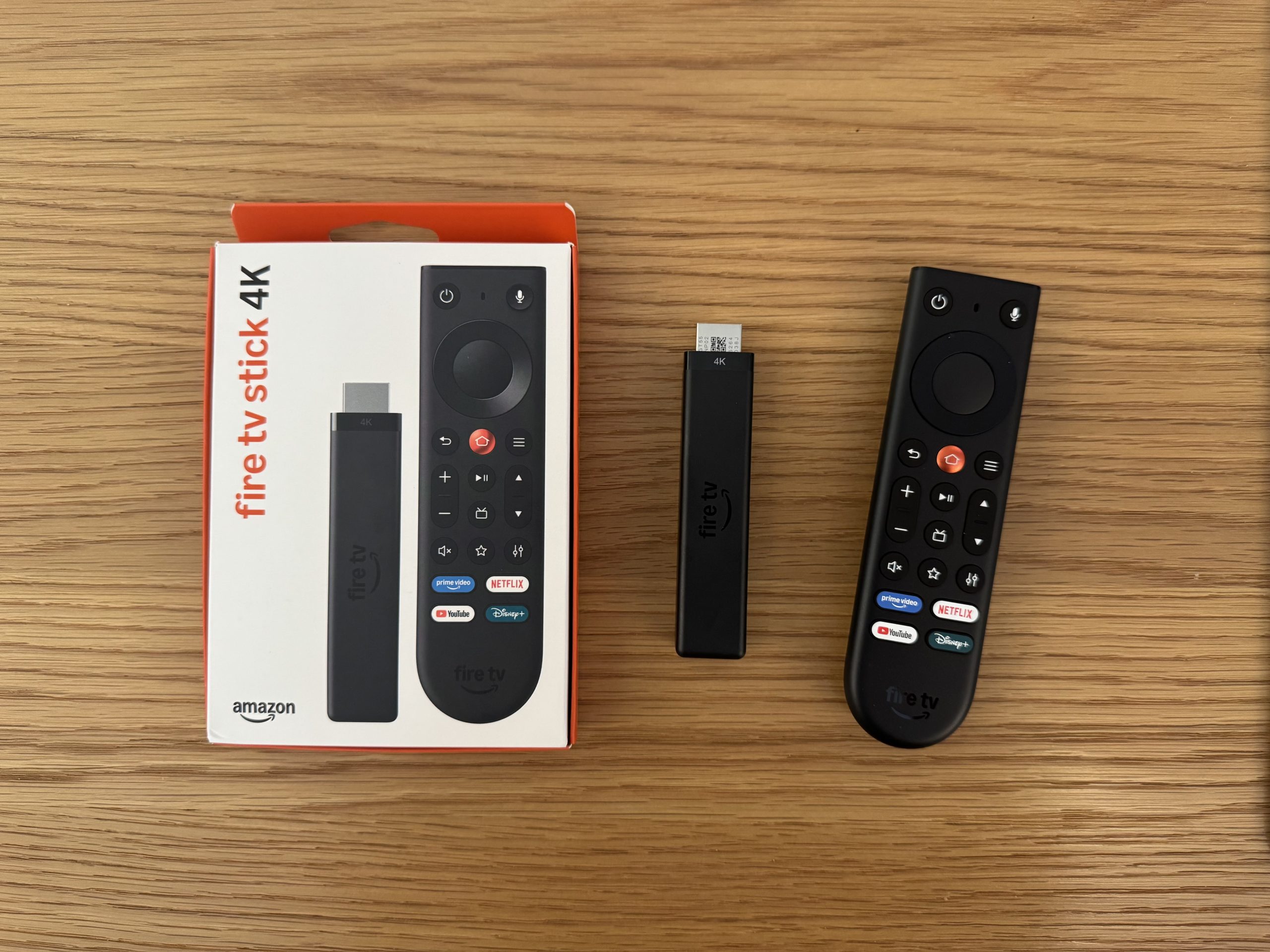
6:40pm: I’m testing Peacock’s Super Bowl LX stream over a SpaceX Starlink Mini, and it’s not great. I’m getting 265 Mbps down and 22 ms latency. On an Amazon Fire TV Stick 4K Max (2nd Gen, AFTKRT), there is significant buffering, and I never get more than 2.96 Mbps of throughput. The stream averages 28 seconds behind OTA. The Starlink app shows that I have no obstructions and that the dish is perfectly aligned. This is the first time I have tested Starlink for streaming video from an OTT service. I am curious to hear what others have experienced with a Starlink Mini, so please share your experience in the comments on this LinkedIn post.
6pm: Kickoff is supposed to be at 6:30pm. Starlink is downloading a software update, and then I will also have details on how the stream works over Starlink.
For reference, here is a breakdown of streaming viewership for previous Super Bowl webcasts, but don’t go by the graphic alone. There are many differences across the years in how viewership was measured. See this post for a complete breakdown: Super Bowl Streaming Viewership Numbers From 2014-2025.
For the 2025 Super Bowl, FOX reported a rebuffer rate of 0.5%, a 28% share of viewership in 4K, and peak CDN capacity of 135 Tbps. You can see a detailed post-event breakdown of their workflow here: FOX Technical Presentation Details the Super Bowl LIX Streaming Video Stack
Here’s a breakdown of what I will be testing, along with more details on my setup:
- ISPs: Starlink, Verizon (500 Mbps), Optimum (300Mbps)
- OTA: Channel Master FLATenna and Mohu Leaf 50 TV antennas
- Platforms: Peacock, Sling TV, YouTube TV, NFL+, Hulu + Live TV, DirecTV, DAZN (Google AI says Fubo will have the game, but they won’t due to the carriage dispute. Another AI fail.)
- Devices: Fire TV Stick/Cube (AFTMA08C15/AFTKM/S3L46N/K3R6AT/K2R2TE/GA5Z9L/A78V3N), Roku (3821X2, 3940X2, 4800, 3820, 3820CA2) Apple TV (A2843/A2169/A1842), DIRECTV Gemini (P21KW-500), iPads (6x different models), MacBooks (4x, all 2022 and newer), iPhone (14/15 Pro/16 Pro Max)
- TVs: LG (55C9AUA/65BXPUA/65NANO80T6A), Samsung (UN40F5500AF/QN65S90CAFXZA/QN1EF), Vizio (V4K65M-0804/V4K55M-0801), TCL Roku TV (65S451)
- All devices with ethernet or a supported ethernet adapter are being used, all other devices are on wifi
- Every device is running the lastest app and OS version available
Note: For those who have asked, I am not getting paid by anyone to cover the Super Bowl stream. I have done this for each Super Bowl since 2015.